
Explore the same search from
another market
See how results, products and recommendations differ across markets — without changing your browser or Bing settings.
How it works
Take any Bing search and reopen it from another market. Your original results stay open for reference.
Search as usual
Search Bing normally in US / English — nothing to set up, no settings to change.
Pick a market
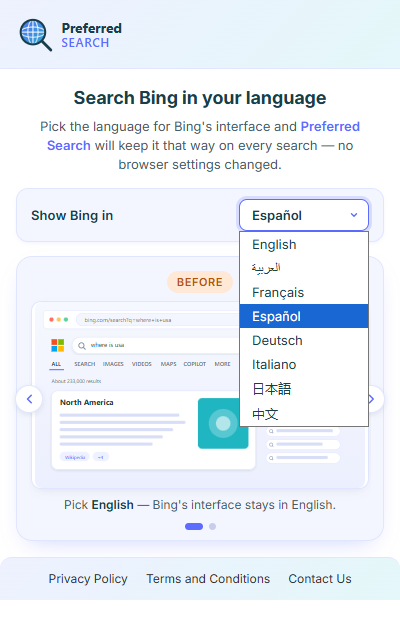
Open the popup and choose a market, e.g. Spain (Spanish). Hit Explore.
Explore in a new tab
The same query opens in a new tab with that market + language, and a badge on the icon shows where you are.
Any new search resets you back to US / English — the market badge is a visual indicator only.
Supported markets
Reopen your search in any of these market perspectives — each with its own country and language context.
Built for exploring markets
Switch perspective for shopping, travel and research — your default settings never change.

Multilingual users
See familiar results in the language you actually think in.

Travelers
Preview local results before you go — hotels, transit and tips.

Research
Compare how information and sources differ from country to country.

International searches
Shop and browse as if you were searching from another market.
See any search from a new market
Add Preferred Search to Chrome and explore Bing from anywhere in the world.